
 Atlyss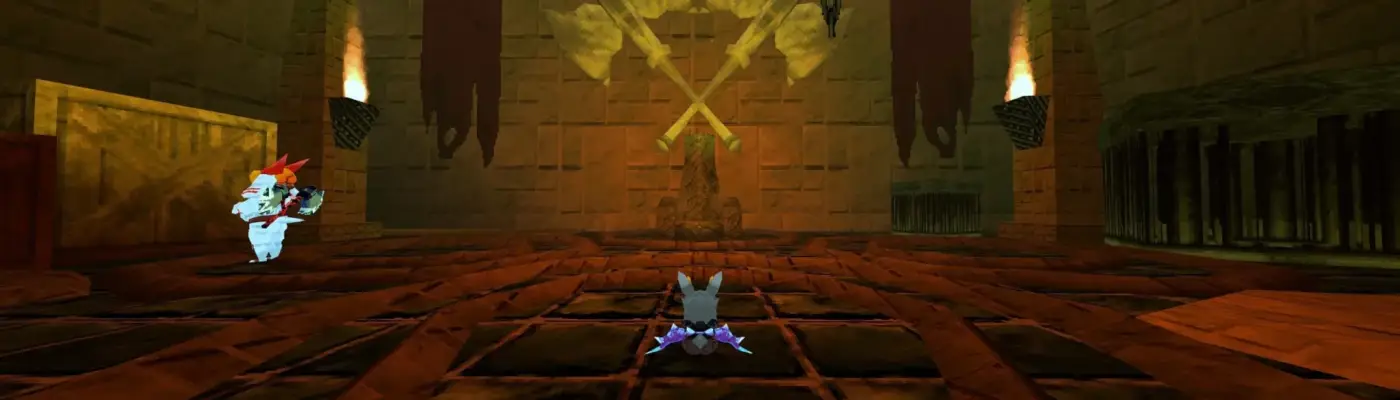
Files
Main File - Version v1.0 Latest
Apr 20, 2026 3 KB
Changelog:
Initial release
Description
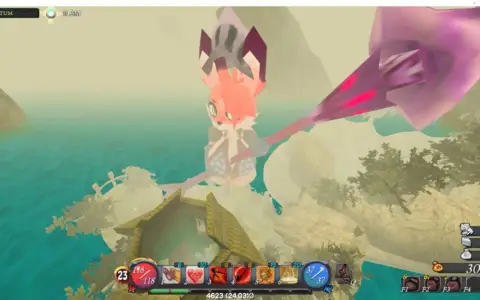
Subtly Sweeter – ReShade Preset for Atlyss
A simple ReShade preset that improves contrast and color vibrancy.
The changes are intentionally understated in certain areas to avoid overdoing it. The goal was to reduce washed-out colors and add subtle contrast for a more polished look.
Installation
Download and install ReShade from the official website. Select optional plugins during the setup process.
Download this preset file and place it in your main game directory (where ATLYSS.exe is located).
Launch the game, open the ReShade menu, and select the preset from the presets list.
Requirements
This item needs the following to work. Install them as well:
Rate This Mod
—
0 ratings
★★★★★
Login to rate this mod.
This mod requires the following mods or tools to function properly:

GlitchMancer
Trusted Modder
48 mods · 1.1K total downloads
Related Mods
Atlyss  Atlyss
  Atlyss
  Atlyss