 Far Far West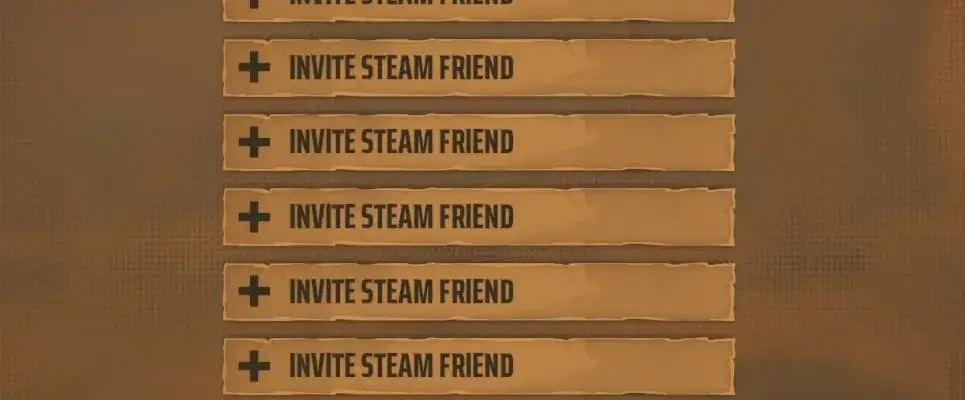
Files
Main File - Version v1.0 Latest
Jun 3, 2026 334 KB
Changelog:
Initial release
Description
Bigges Lobies
What It Does:
This mod expands multiplayer lobby sizes from 4 players to 16 players. It modifies multiple game files to handle the increased player count, including session caps, auto-kick prevention, invite list updates, and overflow fixes for various enemies and objects.
Specific Changes Made:
The mod modifies these game components:
BP_Manager_Multiplayer – Increases the session player cap
Player__BP_PlayerState – Removes the auto-kick that happens when joining a full lobby
UI_Menu_Container_CurrentSession – Updates the invite list (displays 13 of 16 slots, but you can still invite extras through Steam directly)
UI_SessionLine – Changes the display from ‘x/4’ to ‘x/16’ for public lobbies
Multiple Blueprint files (BP_Enemy_Cryptic_Train, BP_GoldMagnet, BP_TntMissileLauncher, BP_CursedPumpkin, BP_KwartPillarButton, BP_Gauge_DrillMachine, BP_MemoryObjective_RandomRecipe) – Prevents overflow errors that occur when 5+ players are in the lobby
Important Usage Warning:
EVERY PLAYER in the lobby needs this mod installed. If anyone doesn’t have it, the blueprint changes can desync your game and cause crashes. Players can join through the Invite system or the lobby browser (if public), with a maximum of 16 players total.
How To Install:
Open your game directory and navigate to:
*\FarFarWest\FarFarWest\Content\Paks\Create a folder named
~modsif one doesn’t already existExtract the contents of the zip file and place them inside the
~modsfolder
Make sure all your friends install it too before joining a multiplayer session!
Rate This Mod
—
0 ratings
★★★★★
Login to rate this mod.

BugHunterX
Trusted Modder
53 mods · 1.7K total downloads
Related Mods
Far Far West  Far Far West
  Far Far West
  Far Far West