 Hytale
Files
Main File - Version v1.0 Latest
Jul 7, 2026
80 MB
Changelog:
Initial release
Description
HayTracing – Hytale ReShade
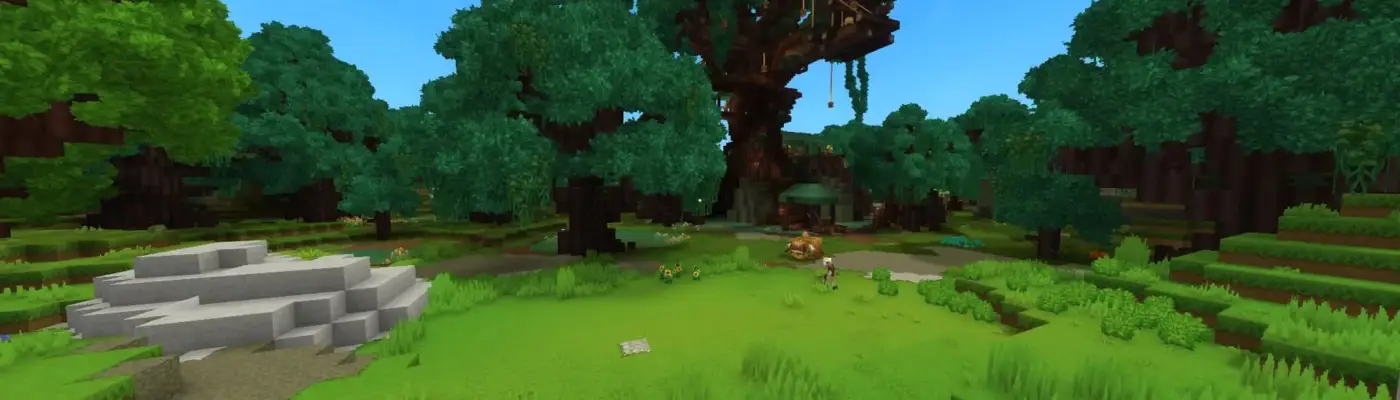
Enhances the game’s visuals by introducing ray tracing and additional post-processing effects through ReShade.
Drawbacks
-
Game updates relocate the executable files, requiring you to reinstall ReShade and reapply the files each time.
-
Significant performance cost on lower-end systems due to ray tracing and advanced effects.
Shader Source
This preset uses free ray tracing shaders created by MassiHancer, available through his Discord. These shaders are not included in the default ReShade installation.
(Discord links remain the same as provided.)
Installation
-
Install ReShade with the OpenGL option to:
C:Users*USERNAME*AppDataRoamingHytaleinstallreleasepackagegamelatestClient -
After installation, extract and copy the contents of the .rar file into the same
Clientfolder. -
Launch the game and enable all required shaders from the ReShade menu.
In-Game Setup
-
Open ReShade settings and go to the Global Settings.
-
In the Add-ons tab, enable one of the two available checkbox options (only these function correctly).
-
If shaders reload (e.g., after resizing the window or using Alt+Tab, indicated by a loading icon in the top-left), you will need to enable the checkbox again.
Rate This Mod
—
0 ratings
★★★★★
Login to rate this mod.

VortexModder
Trusted Modder
47 mods · 1.2K total downloads
Related Mods
Hytale
 Hytale
 Hytale
 Hytale