Installation
Get the newest version from the Files tab.
Unzip the downloaded files into any folder you choose.
Open
Mewtator.exe.Complete the setup by selecting your language and choosing your game and mod directories.
For Linux users, I suggest placing both Mewtator and your mods folder inside the Mewgenics directory.When updating, you can remove the
_internalsfolder first, this is usually optional, but it helps reduce install size, then drag in the new files and replace the old ones. You do not need to overwrite your config or modlist files if you want to keep them.How To Use
For Players
Add your mods to the selected mod folder.
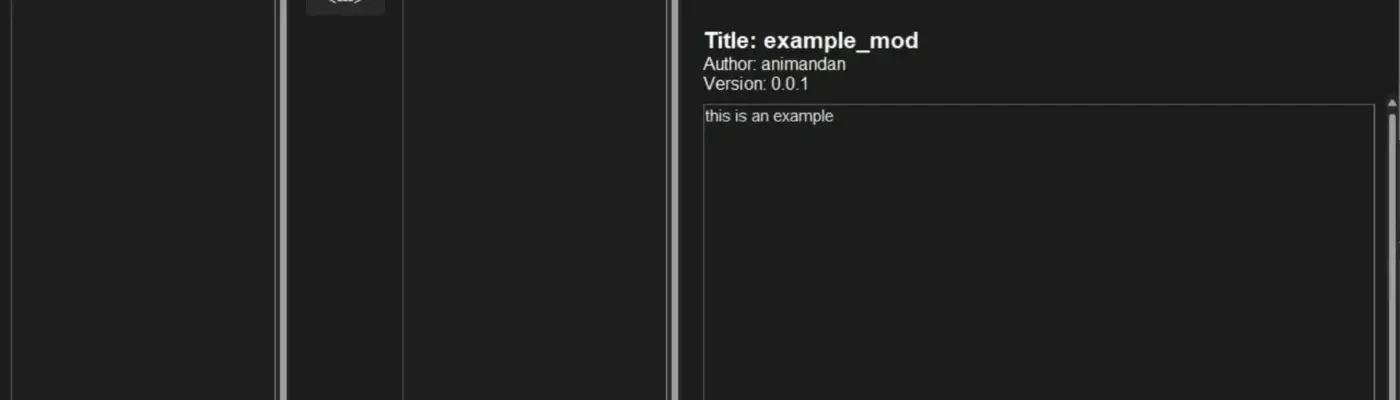
I recommend extracting the contents of the zip file directly into the mods folder. Be careful not to create an extra folder during extraction. You can compare with the example mod to confirm the folder layout matches.Turn mods on or off in the interface.
You can double-click, drag across, right-click and choose enable or disable, click the center arrow button, or use the enable all and disable all buttons.Rearrange mods when necessary.
You can drag and drop them or right-click and move them to the top or bottom.Click Launch Game to start Mewgenics with your current active mod setup.
Or click Launch Options and Export to copy the launch options for Steam, or export a
.batfile that you can run through Steam or launch directly.

BugHunterX
Trusted Modder
3 tools · 1.8K total downloads
