 by
by To install it, just extract the dinput8.dll file from the ZIP into your Monster Hunter Stories 3 installation folder.
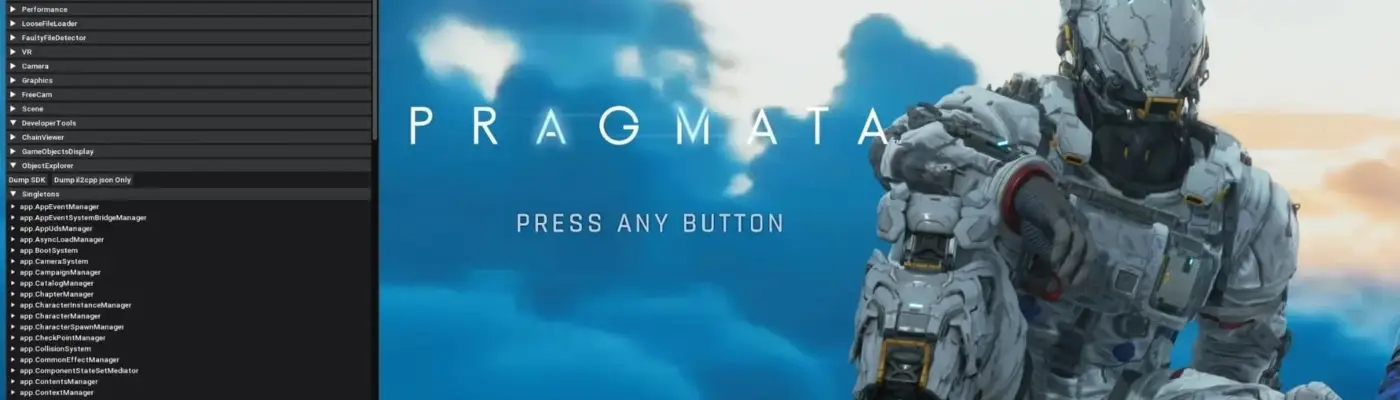
You can access the menu by pressing the Insert key.
Install scripts in the “reframework/autorun” folder.
Install plugins in the “reframework/plugins” folder. You can also place standalone DLL files there, even if they do not use REF features.
If REFramework is unable to access the current game directory for any reason, it will use files from “%APPDATA%/REFramework” instead.
In that case, scripts and plugins must be placed there.
To temporarily uninstall REFramework, remove the dinput8.dll file from the game directory.
To fully remove it along with all mods, also delete the reframework folder, re2_fw_config.txt, re2_framework_log.txt, and reframework_crash.dmp if that file is present.
