Files
Main File - Version v1.1 Latest
May 23, 2026 218 B
Changelog:
Initial release
Description
UI Scale Fix
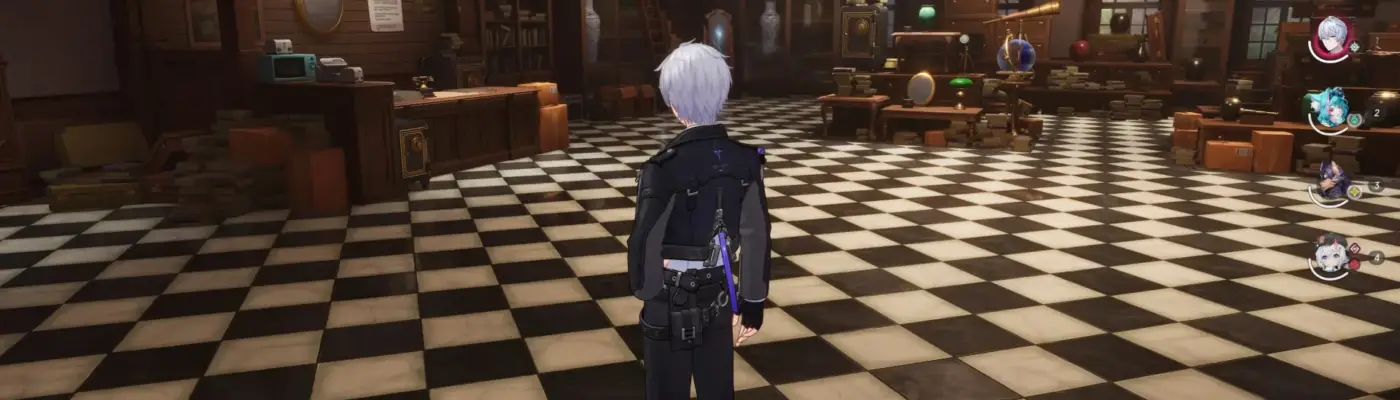
If the interface in Neverness to Everness (NTE) appears too large and takes up too much screen space, this simple PC fix can help. Although the game’s config files are encrypted, Unreal Engine 5 can still process additional plain text appended to them.
Installation Instructions
Extract the downloaded file.
Copy and paste it into the following directory:
C:\Users\NAME\AppData\Local\HT\Saved_Global\Config\WindowsWhen prompted, choose “Yes” to replace the existing file.
Set the file to “Read Only” after installation.
This modification is safe to use. It does not alter core game files and will not be detected as a hack, as it only involves a basic text configuration.
If you find this mod helpful, please consider endorsing it.
Rate This Mod
—
0 ratings
★★★★★
Login to rate this mod.

VortexModder
Trusted Modder
18 mods · 316 total downloads