 by
by NTE Configurations
NVIDIA: RTX 5090, 5080, 5070 (Ti), 4090, 4080, 4070 (SUPER/Ti), 3090
AMD: RX 9070 (XT), 7900 (GRE/XT/XTX), 6950 XT, 6900 XT
Commands to disable post-processing is commented out by default for all configs.
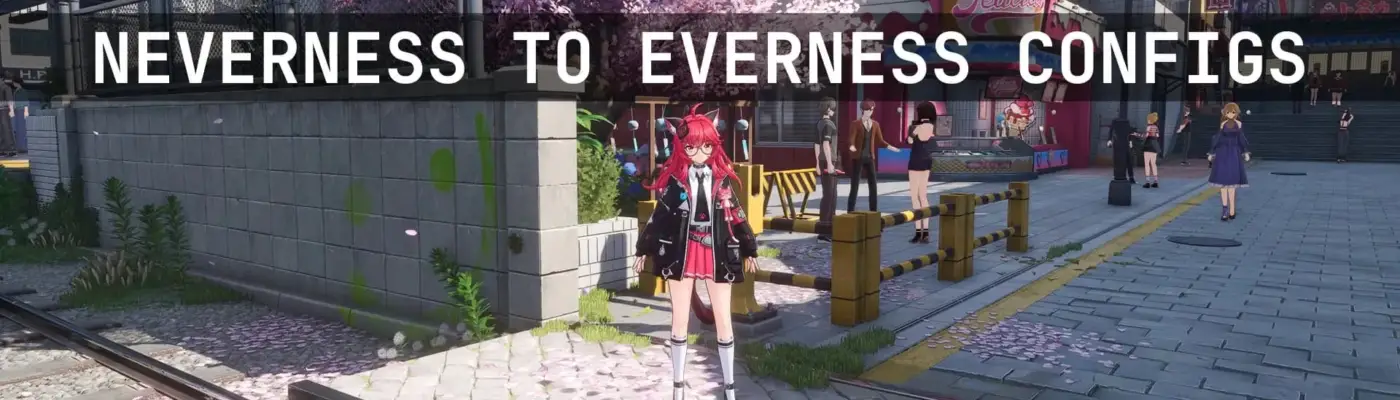
Enhance visuals, boost NPC and vehicle density, adjust UI scaling, skip the intro video, and more through multiple configuration options.
For assistance or inquiries, join the Discord server: https://discord.gg/gczjQvgzWE
All configurations are based on the game’s default values and carefully adjusted. Only essential commands are included.
Key improvements include:
-
Enhanced character shadow quality
-
Reduced object and shadow pop-in
-
Optimized reflection roughness for SSR and Lumen
-
Improved view distance and level of detail (LoD)
-
Refined ambient occlusion settings
-
Adjusted anti-aliasing
-
Increased NPC and vehicle density
-
Optional settings to disable post-processing effects such as vignette, bloom, and depth of field
Installation:
Copy Engine.ini and any additional required files to:
%LocalAppData%\HT\Saved_Global\Config\Windows
Set the following files to read-only to prevent deletion:
DeviceProfiles.ini, Engine.ini, Game.ini, and Input.ini
Uninstallation:
Simply remove the added files.
