 Where Winds Meet
Files
Main File - Version v1.0 Latest
Jun 16, 2026 748 B
Changelog:
Initial release
Description
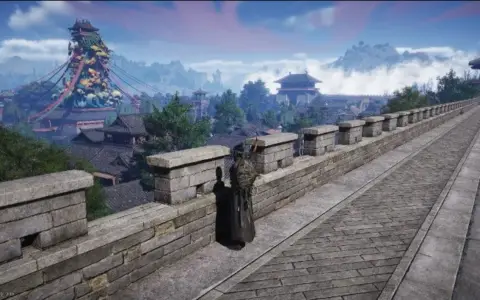
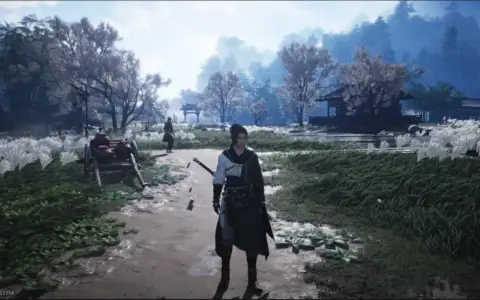
Vivid Winds – Vibrant Reshade Preset
This reshade preset enhances the game’s visuals by enriching colors, boosting vibrancy, and improving overall clarity for a sharper, more lively appearance.
Installation Guide
Download the mod and place the file Vivid Winds.ini in the same directory as the game executable
(…/Steam/steamapps/common/Where Winds Meet/Engine/Binaries/Win64r)
Download Reshade from the official site: https://reshade.me/ (avoid the addon version)
Launch Reshade_Setup_XX.exe, select Where Winds Meet, choose DX10/11/12, then click Next. Browse to the game folder, select Vivid Winds.ini, and continue until installation is complete
Start the game and press the Home key (or Shift + F2 if needed) to open the Reshade interface
Skip the tutorial
Select the Vivid Winds preset from the dropdown menu at the top
Optional: Assign a toggle key in the Settings tab to enable or disable the reshade quickly
You are all set.
Rate This Mod
—
0 ratings
★★★★★
Login to rate this mod.

ModNinjaX
Trusted Modder
29 mods · 648 total downloads
Related Mods
Where Winds Meet  Where Winds Meet
  Where Winds Meet
  Where Winds Meet