Files
Main File - Version v1.0 Latest
Description
Multi Button Swap
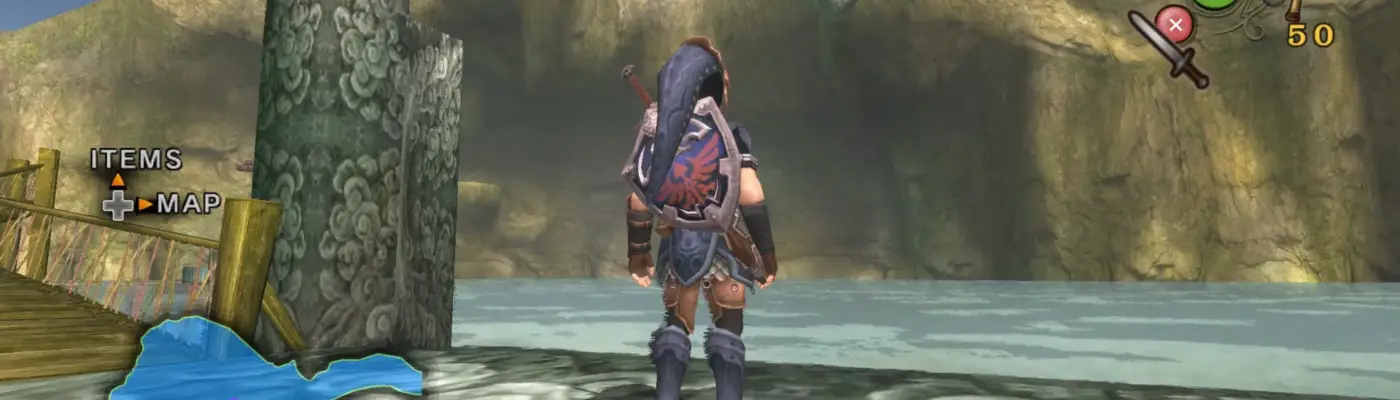
This mod lets you replace the default button icons in Twilight Princess with PlayStation, Xbox, or Switch-style icons.
It works on its own, but pairs well with the TPHD Definitive Edition Texture Pack for better visuals.
How to Use
-
Extract the files and place them in:
Dusklight\texture_replacements\GZ2 -
PlayStation icons are enabled by default.
-
Mods load based on folder name order (alphabetical priority). To ensure this mod overrides others, make sure it loads first.
-
Verify your controller bindings in Dusklight match the selected icons.
Changing Button Icons
You can customize each of the 7 key binds individually by either:
-
Removing unwanted folders, or
-
Renaming folders to give them higher priority (e.g., adding a prefix like
0_)
Folder Structure
The layout follows this pattern:Multi_Button_Swap → [Game Default Button] → [Replacement Icon Options]
Example 1 (Z Button)
Available options:
-
Multi_Button_Swap\Z\1_R1 -
Multi_Button_Swap\Z\R -
Multi_Button_Swap\Z\RB
To use “R”:
-
Rename
Rto0_R, or -
Delete the
R1andRBfolders
Example 2 (A Button – Accept)
To change Accept to Triangle:
-
Go to the
Afolder -
Keep only the
Trianglefolder, or rename it to0_Trianglefor priority
Example 3 (Same Icon for Multiple Buttons)
If you want A, B, X, and Y all set to Triangle:
-
Open each of those folders
-
Rename the
Trianglefolder in each to0_Triangle, or remove the other options
This system gives you full control over how each button appears in-game.
Rate This Mod
Login to rate this mod.
