 Nioh 3
 Files
Main File - Version v1.0 Latest
Apr 13, 2026 2 KB
Changelog:
Initial release
Screenshots
Description
ClarityLite (ReShade)
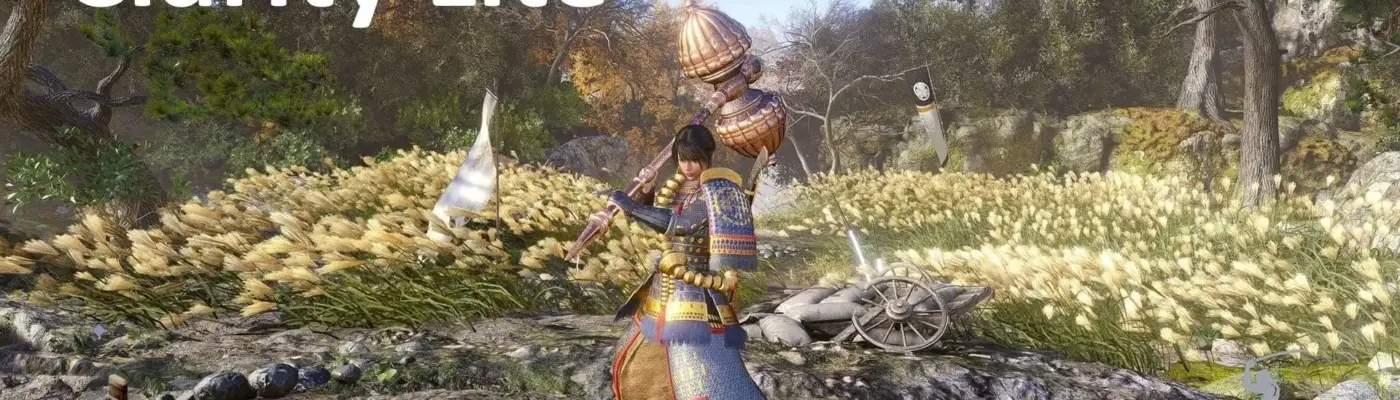
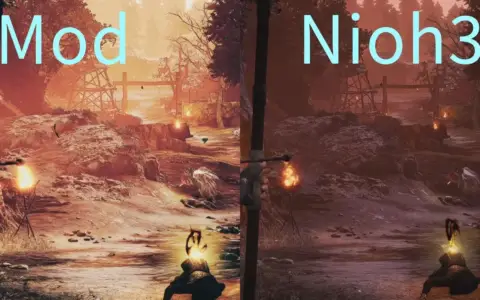
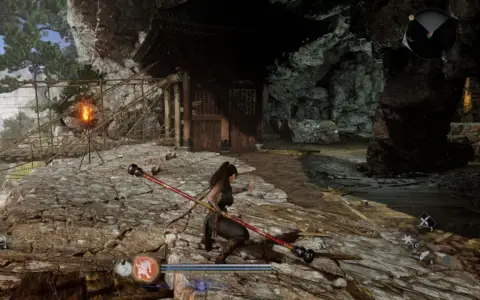
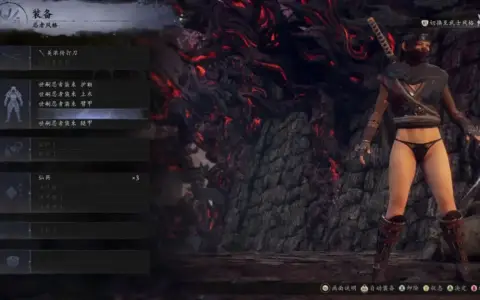
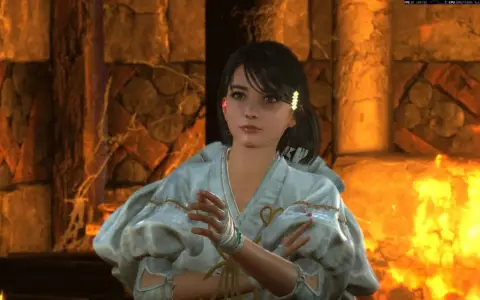
ClarityLite is a lightweight ReShade preset for Nioh 3 that improves image clarity and overall readability in both HDR and SDR while reducing the game’s yellow color tint. It is intended as a subtle visual correction rather than a full color grading preset or major graphics overhaul.
This preset focuses on cleaner contrast and sharper visual separation using only two effects, CAS and color correction. It is best suited for players who want a more natural and balanced image without heavy sharpening, extra saturation, or dramatic contrast changes.
Installation
Download the ClarityLite archive and extract the .ini file into your Nioh 3 game folder, the same location as the game executable. Then install ReShade, select the Nioh 3 .exe, choose DirectX 10/11/12, load the extracted ClarityLite.ini, complete the setup, and press HOME in-game to open the ReShade overlay.
Rate This Mod
3
1 rating
★★★★★
Login to rate this mod.

HexWarp
Trusted Modder
42 mods · 2K total downloads
Related Mods
Nioh 3  Nioh 3
  Nioh 3
  Nioh 3