 Palworld
Files
Main File - Version v1.0 Latest
Jul 20, 2026
762 B
Changelog:
Initial release
Description
MapUnlocker for Palworld
Overview
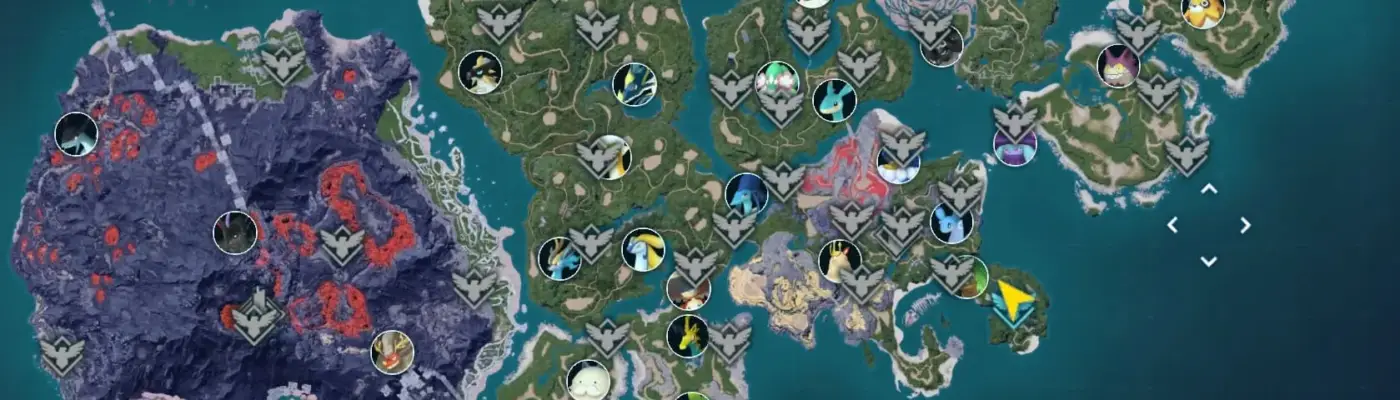
Instantly reveals the entire world map by removing fog of war; fast travel points remain hidden and must be discovered normally. Works in single-player, multiplayer, local, and community servers.
Compatibility
Tested on Steam v1.0. Multiplayer-compatible. Game Pass support is not fully verified.
What it does
Removes fog of war so the full map is visible while leaving fast-travel nodes locked until discovered.
Steam installation
1. (Optional) Back up saves.
2. Download UE4SS-Palworld: https://github.com/Okaetsu/RE-UE4SS/releases/download/experimental-palworld/UE4SS-Palworld.zip and extract.
3. Copy dwmapi.dll and the ue4ss folder into:
\steamapps\common\Palworld\Pal\Binaries\Win64
4. Download this mod and place the MapUnlocker folder into:
\steamapps\common\Palworld\Pal\Binaries\Win64\ue4ss\Mods
5. Launch the game.
Game Pass installation
1. Download UE4SS-Palworld and extract to:
C:\XboxGames\Palworld\Content\Pal\Binaries\WinGDK
(If that fails, try:
C:\Users\<YourUserName>\AppData\Local\Pal\Saved\Config\WinGDK)
2. Open UE4SS-settings.ini and set:
bUseUObjectArrayCache = false
3. Copy the MapUnlocker folder into:
C:\XboxGames\Palworld\Content\Pal\Binaries\WinGDK\ue4ss\Mods
4. Open mods.txt and add:
MapUnlocker : 1
5. Launch the game.
Troubleshooting
– Ensure UE4SS is installed in the correct folder.
– Verify MapUnlocker resides in ue4ss\Mods (no nested duplicate folders).
– For Game Pass, confirm MapUnlocker : 1 is in mods.txt.
– Restart the game after installing.
Rate This Mod
—
0 ratings
★★★★★
Login to rate this mod.

BugHunterX
Trusted Modder
53 mods · 1.8K total downloads
Related Mods
Palworld