 by
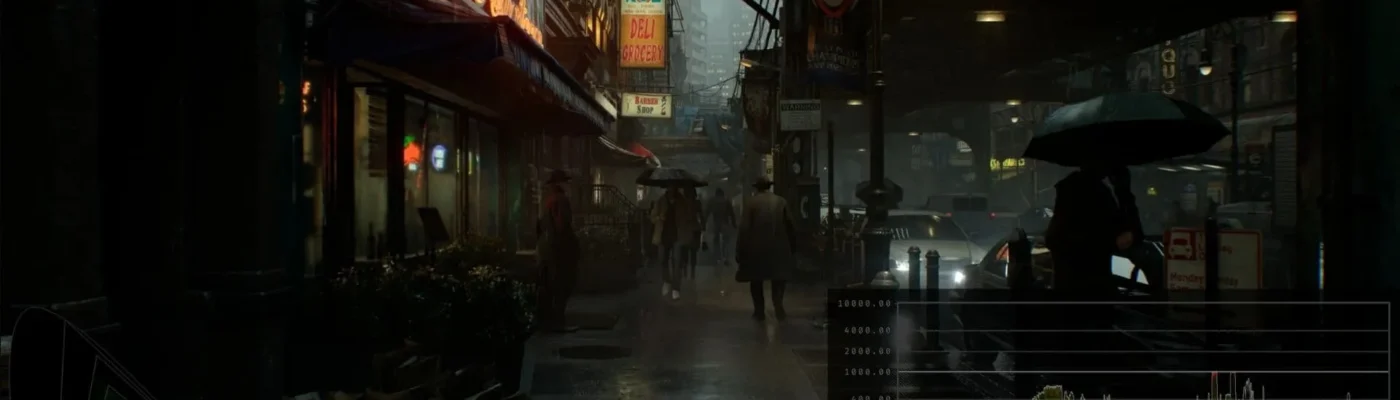
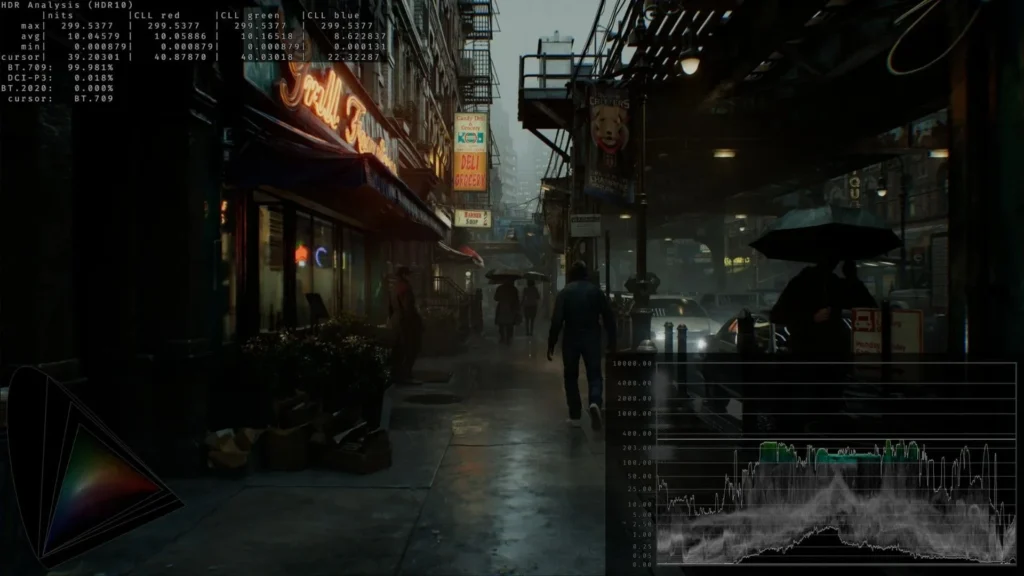
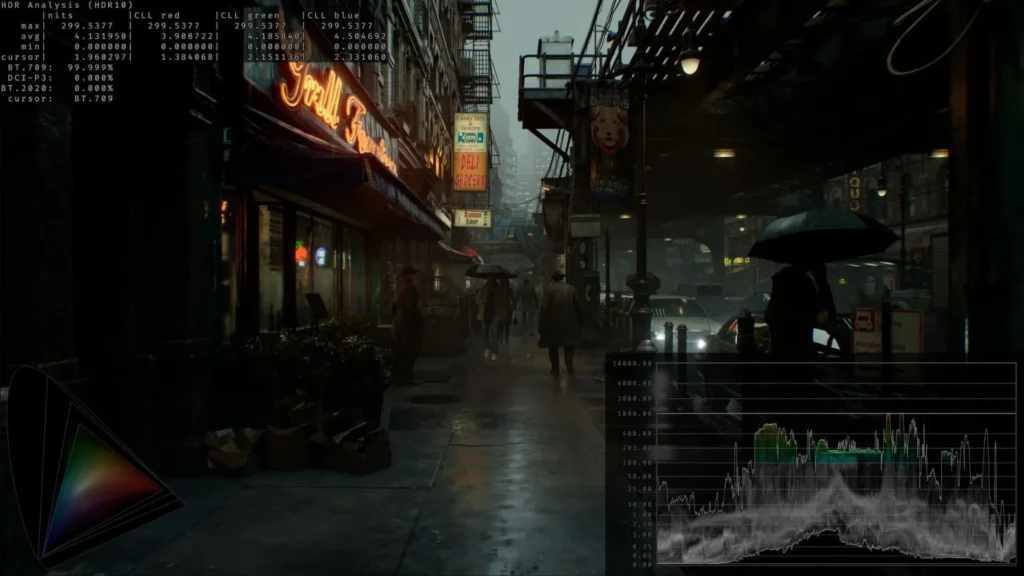
by If you have been craving a smoother and more realistic visual experience in Resident Evil: Requiem, the RenoDX – HDR Fix for Resident Evil Requiem is the essential visual mod tool you need. This tool fine-tunes how the game handles HDR (High Dynamic Range) lighting, correcting overly bright zones, washed-out tones, and unrealistic color gradients. With the RenoDX – HDR Fix for Resident Evil Requiem, every scene feels more balanced, from the faint glow of your flashlight to the reflective details in rain-soaked environments. The mod enhances contrast precision, achieves deeper black levels, and prevents the glaring highlights that sometimes disrupt immersion. Whether you’re exploring eerie corridors or facing intense action, this HDR fix ensures the lighting feels immersive and true to the atmospheric depth Resident Evil: Requiem is known for. The result is a cleaner, more cinematic image that keeps horror fans completely absorbed in every visual detail. For players with modern displays or HDR-compatible monitors, the improvement is both immediate and game-changing.
Mod Features
- Accurate HDR Lighting: Adjusts HDR brightness and tone-mapping values to create a realistic and balanced image throughout Resident Evil: Requiem.
- Improved Contrast Levels: Dark environments now appear more natural, while bright areas retain detail instead of glowing unrealistically.
- Color Correction: Ensures proper saturation and true-to-life shades, helping objects and textures look sharper and more authentic.
- Reduced Visual Artifacts: Minimizes flickering lights, color banding, and posterization caused by default HDR settings.
- Performance-Friendly: Designed to enhance visuals without impacting frame rates or introducing stutter.
Example: When walking through dimly lit hallways, you’ll notice that shadows look layered and natural rather than flat. The subtle highlight corrections make lights appear softer and more realistic, pulling you deeper into the tension of Resident Evil: Requiem.
How To Use The Mod
- Extract the Package: Use an extraction tool like 7-Zip or WinRAR to unpack the downloaded files.
- Install Into Game Directory: Place the RenoDX files into your main Resident Evil: Requiem directory where the game executable is located.
- Adjust HDR Settings: Launch the game, open video settings, and enable HDR. Use the in-game brightness calibration to fine-tune visuals to your preference.
- Test and Verify: Load into different areas of the game. You should immediately notice more refined lighting, richer colors, and a balanced HDR performance.
