 Thick As Thieves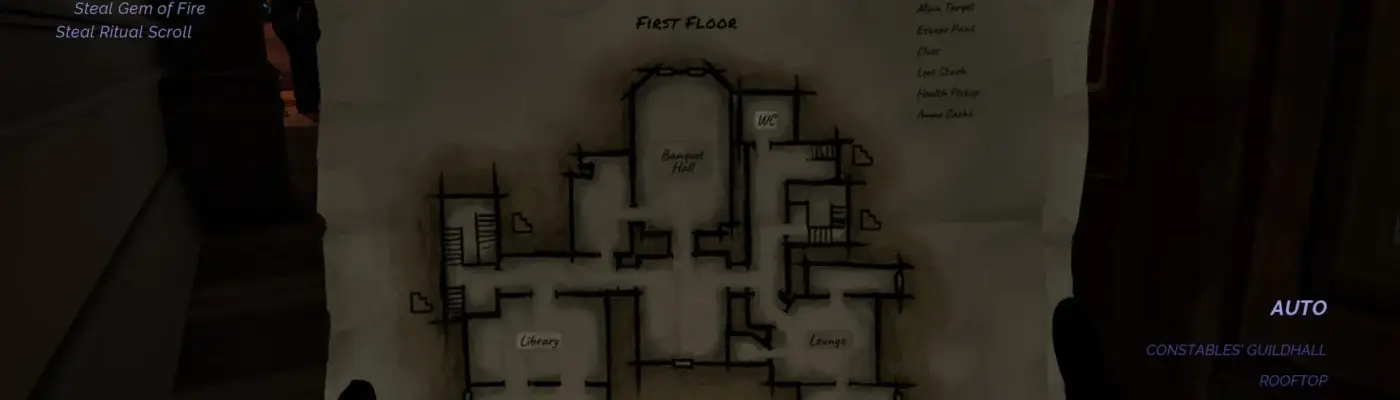
Thick As Thieves
Toggle HUD – Minimal HUD – Fog – Footprints – Crosshair
Admin Approved Trusted Uploader
Files
Main File - Version v1.0 Latest
Jul 11, 2026 2 MB
Changelog:
Initial release
Description
HUD Toggle / Minimal HUD / Fog / Footprints / Crosshair
This mod lets you toggle the entire HUD on or off instantly using a single key (default: Caps Lock, customizable—see below). It also includes two simplified HUD modes as separate toggles, assigned to F1 and F2 by default. Refer to the preview images to see how much of the interface remains in each mode.
Additional toggles:
F3: Enables or disables the crosshair (a small indicator still appears when using the Zipwire)
F4: Toggles visible footprints left by the player (likely a leftover mechanic from earlier PvP concepts)
F5: Removes all fog (visual quality may vary depending on preference)
F6: Partially reduces fog, offering a more balanced look; works only during heavy fog weather conditions (weather is randomized per mission)
REQUIREMENTS
No extra downloads needed—everything is included in the provided .zip file.
INSTALLATION
Extract the contents of the .zip file to:
steamapps\common\Thick As Thieves\TAT\Binaries\Win64
Launch the game and use the assigned hotkeys.
CUSTOM KEYBINDS
While in-game, press the Home key to open the ReShade interface. Navigate to the “Add-ons” tab, then click “Edit” under ShaderToggler to assign new hotkeys. Confirm by clicking “OK,” then “OK” again, and finally “Save all Toggle Groups.”
CREDITS
Special thanks to Frans Bouma, creator of ShaderToggler—this mod relies on their work.
Rate This Mod
—
0 ratings
★★★★★
Login to rate this mod.

CodeSpectre
Trusted Modder
34 mods · 805 total downloads
Related Mods
Thick As Thieves  Thick As Thieves
  Thick As Thieves
  Thick As Thieves