 Where Winds Meet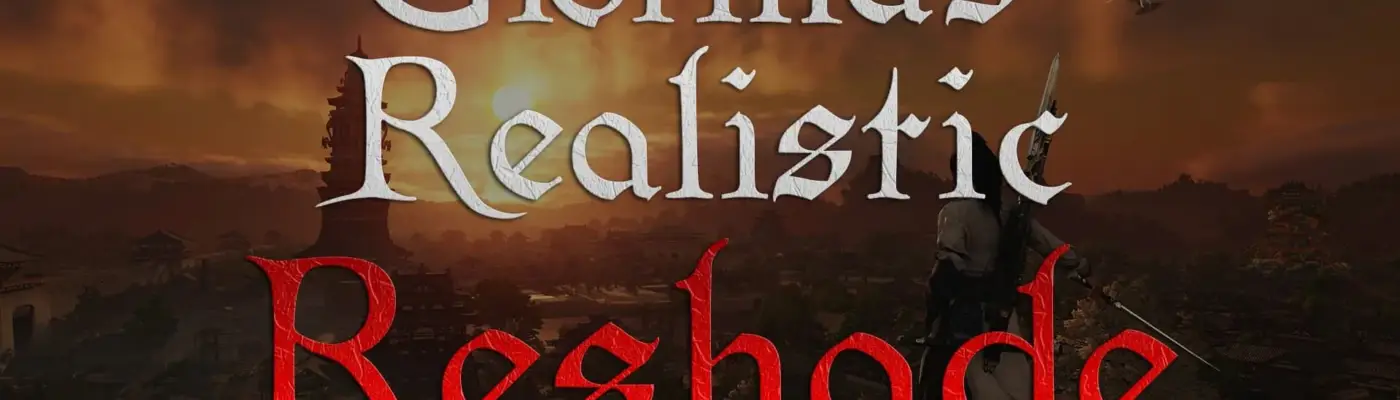
Files
Main File - Version v1.0 Latest
Jun 16, 2026 9 KB
Changelog:
Initial release
Description
Giorma’s Realistic Reshade Preset
This is a custom Reshade preset designed to deliver a more natural and immersive visual experience. It focuses on realism while keeping the original look of the game intact. I put a lot of effort into fine-tuning it, and I hope you enjoy using it. If you like the results, consider supporting it with an endorsement.
Installation Guide
Download the latest version of Reshade from the official website: https://reshade.me/
Download and extract Giorma’s Realistic Reshade, then place the configuration file Giorma’s Reshade.ini into your game directory where WWM.exe is located. This is typically found at:
…\Steam\steamapps\common\Where Winds Meet\Engine\Binaries\Win64r
Run Reshade_Setup.exe, select Where Winds Meet (or browse to locate WWM.exe), then click Next. Choose DX10/11/12, click Next again, then browse and select Giorma’s Reshade.ini. Continue through the setup until installation is complete
Launch the game and press Shift + F2 or Home to open the Reshade overlay. Complete or skip the tutorial, then choose Giorma’s Reshade from the preset dropdown menu
You are now ready to experience the game with enhanced realism.
https://ko-fi.com/giorma
Rate This Mod
—
0 ratings
★★★★★
Login to rate this mod.

ModNinjaX
Trusted Modder
29 mods · 647 total downloads
Related Mods
Where Winds Meet  Where Winds Meet
  Where Winds Meet
  Where Winds Meet