 007 First Light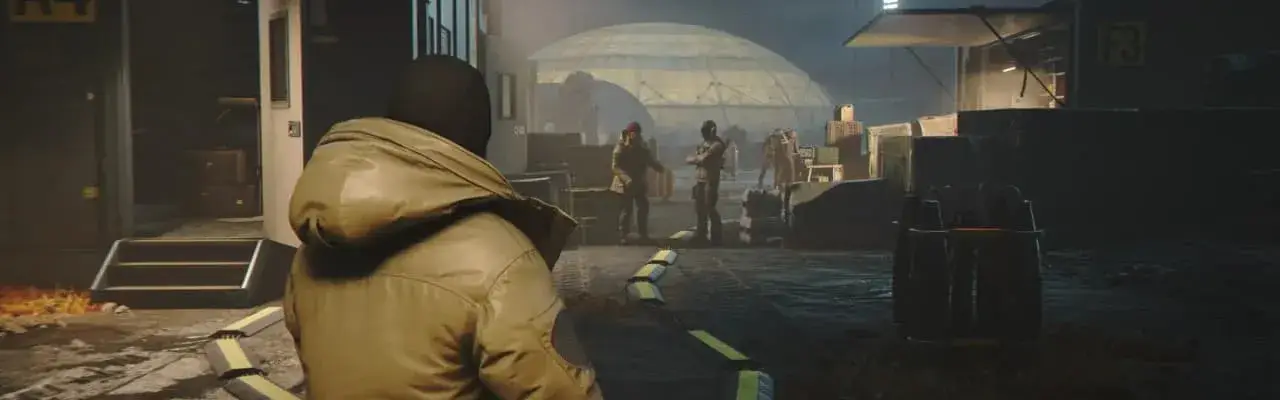
Files
Main File - Version v1.0 Latest
Jun 2, 2026 4 MB
Changelog:
Initial release
Description
Custom FOV Camera Distance/Height Preset for 007 First Light
This mod adds a custom field-of-view (FOV) camera preset that adjusts camera distance and height. It also includes an optional script that lets you create your own custom FOV variations.
Installation Instructions:
Copy the Runtime folder from the mod package into your game directory:
\SteamLibrary\steamapps\common\007 First LightLet Windows overwrite the existing
packagedefinition.txtfile when prompted.
This mod should not conflict with the Skip Intro mod.
Note: The game is still in progress, and I’m enjoying it with this mod installed. However, there may be occasional camera issues. If you need more custom camera options, see the custom FOV setup below.
Custom FOV Setup:
Place the 007FL_FOV_Rebuilder_Scripts folder into:
\SteamLibrary\steamapps\common\007 First Light\RuntimeRun the following file:
\SteamLibrary\steamapps\common\007 First Light\Runtime\007FL_FOV_Rebuilder_Scripts\Rebuild_FOV.cmdFollow the on-screen prompts. The modified files will be generated automatically.
Requirements:
Python 3 installed
Python package lz4 installed
Uninstall Instructions:
Delete these files:
Runtime\chunk0patch204.rpkgRuntime\chunk1patch204.rpkg
Restore your original
Runtime\packagedefinition.txtfile (or keep the modded version if you’re using another mod that requires it).
Known Limitations:
This mod may conflict with other mods that also replace Runtime\packagedefinition.txt and use the same patch levels. Compatibility will improve once a Simple Mod Framework is introduced for 007 First Light or a similar solution becomes available.
Rate This Mod
—
0 ratings
★★★★★
Login to rate this mod.

BugHunterX
Trusted Modder
53 mods · 1.8K total downloads
Related Mods
007 First Light  007 First Light
  007 First Light
  007 First Light