 Death Stranding 2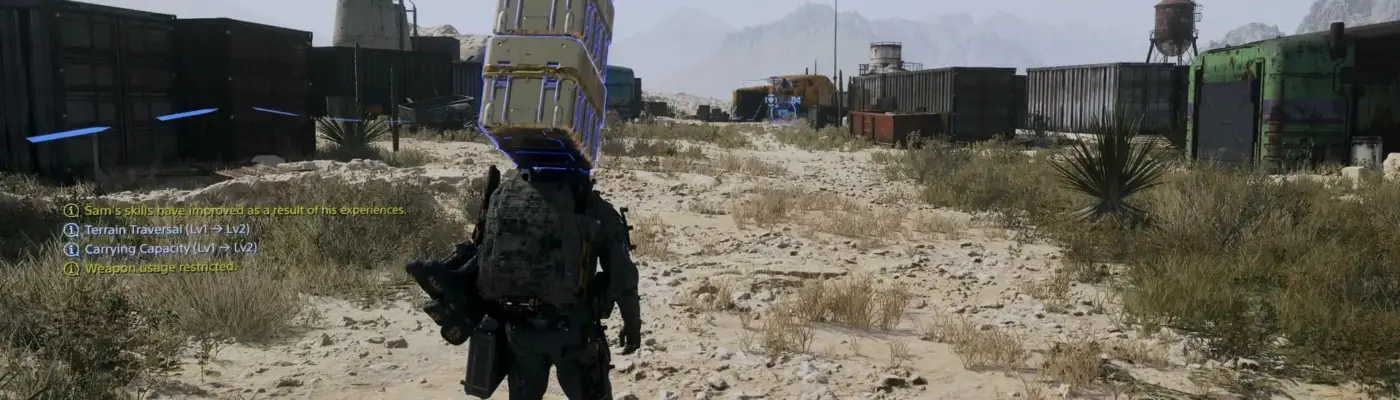
Files
Main File - Version v1.0 Latest
May 20, 2026 1 KB
Changelog:
Initial release
Screenshots
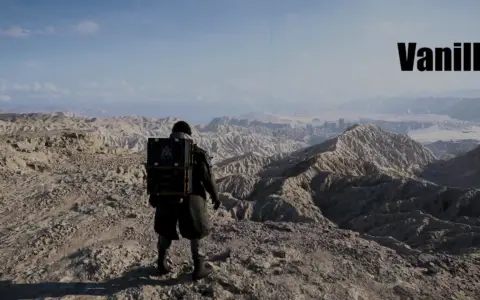
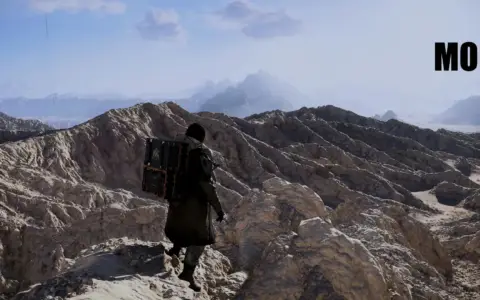
Description
Natural Color Visuals
HOW TO INSTALL:
Extract the “NaturalDS2.ini” file from the .rar archive into your “Death Stranding 2” game directory.
Download Reshade from the official website: https://reshade.me/
Launch the Reshade installer and select DS2.exe.
When prompted to choose a preset, select the “NaturalDS2.ini” file.
4b. After that, simply click “Next” to continue.Reshade will automatically install all required effects and apply the preset when the game starts. If it doesn’t apply, press the Home key in-game to open Reshade and manually select “NaturalDS2.ini”.
This preset does not affect game performance.
Rate This Mod
—
0 ratings
★★★★★
Login to rate this mod.

ModForge
Trusted Modder
43 mods · 2.4K total downloads
Related Mods
Death Stranding 2  Death Stranding 2
  Death Stranding 2