 Directive 8020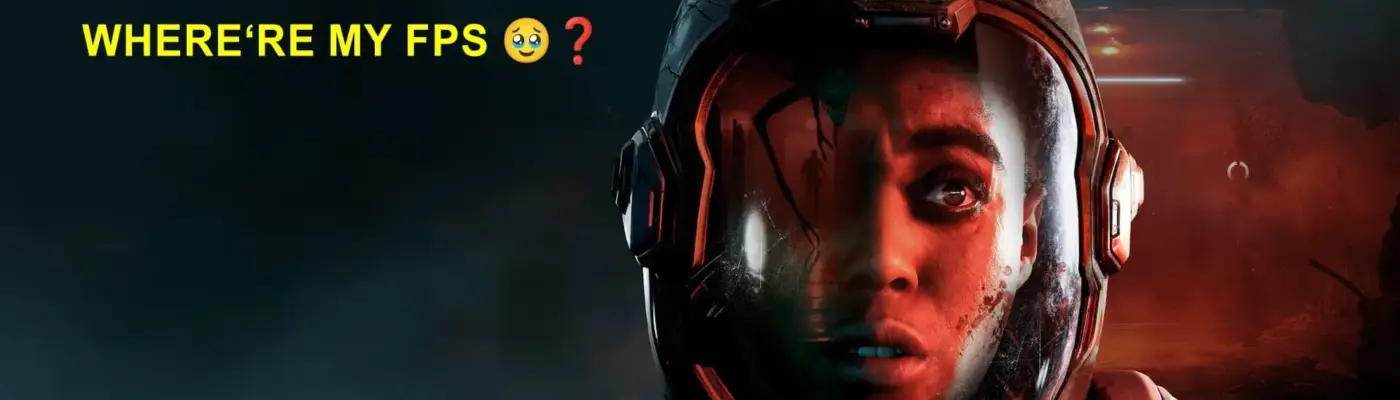
Files
Main File - Version v1.0 Latest
Jul 13, 2026 638 B
Changelog:
Initial release
Description
Effective FPS Fix (Targeted for 1080p & 1440p)
Installation
– Copy only the Engine.ini file to:
C:\Users\[YOUR USERNAME]\AppData\Local\Directive8020\Saved\Config\Windows
– Mark the file Read-Only (otherwise the game will delete/overwrite it).
Info
– Disables shadows, ray tracing, and Lumen to improve performance. Edit the file to tune settings for your GPU.
– You can keep in-game graphic presets at Ultra, choose your resolution, and use DLSS/FSR.
– This preset has been used across various Unreal Engine 4/5 games with differing FPS gains.
Notes
– Set in-game brightness to 100%.
– To skip shader compilation at startup, add r.ShaderPipelineCache.Enabled=0 to the config.
Rate This Mod
—
0 ratings
★★★★★
Login to rate this mod.

ByteCrafter
Trusted Modder
44 mods · 659 total downloads
Related Mods
Directive 8020  Directive 8020
 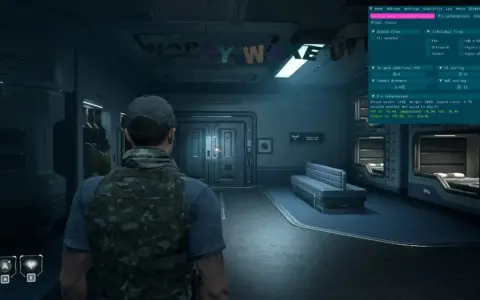 Directive 8020
  Directive 8020