 Directive 8020
Files
Main File - Version v1.0 Latest
Jul 13, 2026
5 KB
Changelog:
Initial release
Description
Directive 8020 — Free Cam & Debug Menu
Description
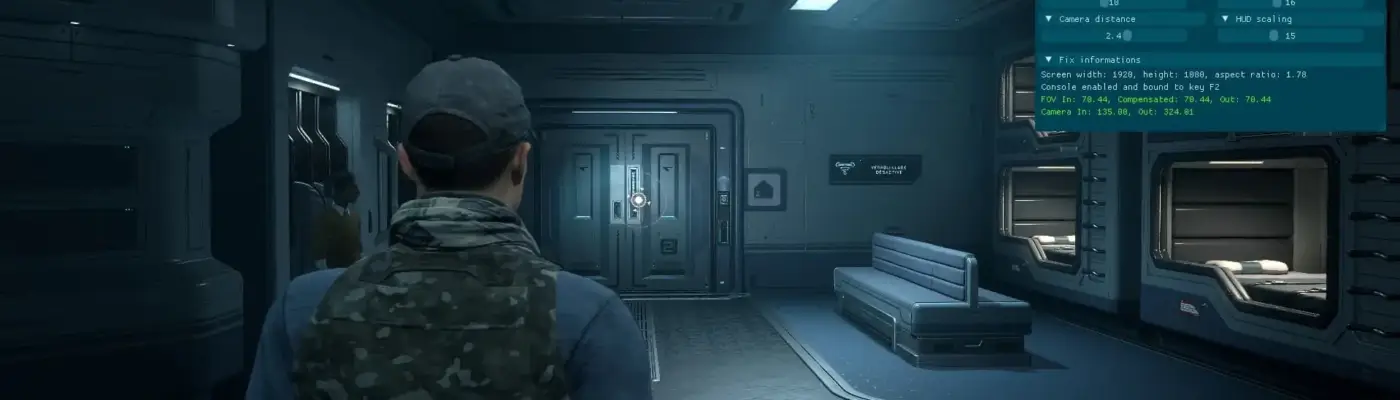
Reveals the hidden developer debug menu in Directive 8020’s story menus and provides a stable, crash-safe freecam. This reworked version fixes the original’s issues: freecam now auto-pauses the story while active and fully restores controller, cursor, and input state when closed, preventing broken decision pages and fatal errors.
Installation
1. Install UE4SS for the game (see Requirements).
2. Extract the zip and copy the DebugMenuEnabler folder into: <Game>/Binaries/Win64/ue4ss/Mods/
3. Ensure enabled.txt is present inside the mod folder.
4. Launch the game — the UE4SS console will confirm the mod loaded.
5. If updating, delete the old DebugMenuEnabler folder first.
Main features
– Unhides developer debug menu buttons in story menus (chapter/turning-point selection and dev options).
– Keybinds:
– F1: Help / keybind list
– F2: Brightness boost toggle
– F3: Freecam toggle — auto-pauses story so decisions/QTEs aren’t missed
– F4: Pause/unpause the story while remaining in freecam
– Uses the game’s native SMG debug camera when available, with a safe fallback.
– Restores mouse, controller and input state on exit to avoid crashes and broken UI.
– Optional behavior: set PAUSE_DURING_FREECAM = false at top of main.lua to let the scene continue while flying.
Requirements
– Directive 8020 (PC)
– UE4SS (experimental/dev build with UE 5.5 support) installed for the game
Credits
Thanks to hoppers for the original Debug Menu Enabler and to the UE4SS team for Lua modding support.
Rate This Mod
—
0 ratings
★★★★★
Login to rate this mod.

ByteCrafter
Trusted Modder
44 mods · 674 total downloads
Related Mods
Directive 8020
 Directive 8020
 Directive 8020
 Directive 8020