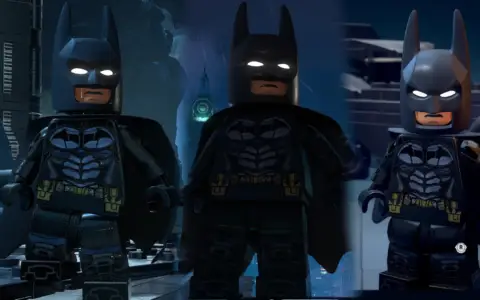
 Lego Batman: Legacy of the Dark Knight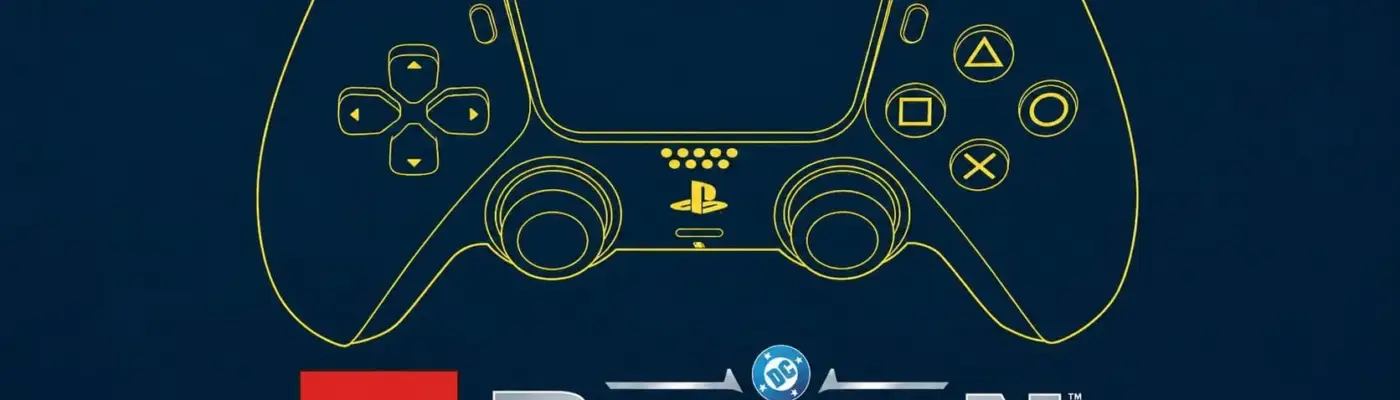
Lego Batman: Legacy of the Dark Knight
PlayStation Controller Button Prompts
Admin Approved Trusted Uploader
Files
Main File - Version v1.0 Latest
Jul 10, 2026 675 B
Changelog:
Initial release
Description
PlayStation Controller Button Prompts
Force DualSense/PS5 Icons Across All Controllers
This modification tricks the game into believing a PS5 DualSense controller is plugged in, forcing the engine to display PlayStation button prompts regardless of the actual controller type you are using.
📂 Installation Instructions
Extract the contents of the downloaded
.zipfile.Open the destination folder by pressing
Win + Ron your keyboard, pasting the following path, and hitting Enter:%localappdata%/Dinner/Saved/Config/WindowsDrag and drop the extracted
Game.inifile into this folder.Note: If you already have a custom
Game.inifile in there, you can overwrite it, or simply open both files and copy-paste the text lines from the mod file into your existing one.
Right-click the
Game.inifile in your folder, select Properties, check the Read-only box, and click Apply/OK.Launch the game and enjoy your new PlayStation icons!
Rate This Mod
—
0 ratings
★★★★★
Login to rate this mod.

ScriptSavvy
Trusted Modder
42 mods · 734 total downloads
Related Mods
Lego Batman: Legacy of the Dark Knight  Lego Batman: Legacy of the Dark Knight
  Lego Batman: Legacy of the Dark Knight
  Lego Batman: Legacy of the Dark Knight