 Mewgenics
Files
Main File - Version v0.5.1 Latest
May 13, 2026
19 MB
Changelog:
Initial release
Description
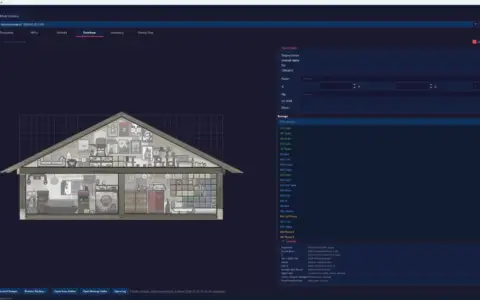
Mewtator, Mod Manager For Mewgenics
Machine translations have now been added.
If you want to improve any of the existing translations or contribute a new one, you can check the locales folder to see how they are structured. Current language support includes Deutsch, Español, Français, Italiano, Português, 中文, and 日本語. Please excuse any inaccurate language names, since they were generated through machine translation as well.
Installation
-
Download the newest version from the Files tab.
-
Extract everything into any folder you prefer.
-
Launch
Mewtator.exe. -
Follow the setup steps to choose your language and assign your game and mod directories.
For Linux users, it is recommended to place Mewtator and your mods folder inside the main Mewgenics directory.
When updating the program, you can delete the _internals folder first. This is probably optional, but it helps keep the installation size smaller. After that, drag in the new files and overwrite the old ones. You usually do not need to replace your config file or modlist.
How To Use
For Players
-
Put your mods into the configured mod folder.
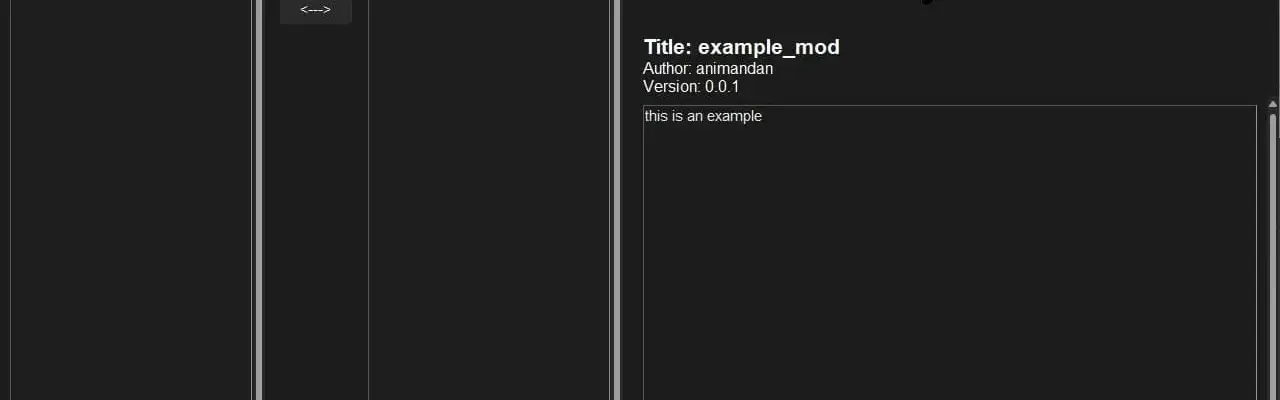
It is best to drag the contents of the zip file directly into the mods folder. Be careful not to create an unnecessary extra folder while extracting. You can compare it with the example mod to make sure the folder layout matches correctly. -
Turn mods on or off through the interface.
You can do this by double-clicking, dragging across, right-clicking and selecting enable or disable, clicking the center arrow button, or using the enable all and disable all buttons. -
Rearrange mod order when needed.
You can drag and drop mods into place or right-click and choose to move them to the top or bottom. -
Launch the game with your selected setup.
Click Launch Game to start Mewgenics using your current active mods. -
Use export options if needed.
You can also select Launch Options and Export to copy launch settings for Steam or export a.batfile that can be launched through Steam or by itself.
For Mod Authors
When building mods, it is better to use .merge files instead of replacing full files whenever possible. This improves compatibility with other mods and makes future updates easier to manage.
Reach out if you need help.
-
Unpack the base game resources.
-
Create a new folder for your mod.
-
Add your edited files while keeping the same directory structure as the unpacked files.
-
Include a
description.jsonfile along with a preview image for the mod.
Mewgenics modding Discord:
https://discord.gg/6utN4YAktp
Rate This Mod
—
0 ratings
★★★★★
Login to rate this mod.

MeshShifter
Trusted Modder
29 mods · 1.8K total downloads
Related Mods
Mewgenics
 Mewgenics
 Mewgenics
 Mewgenics