 Outbound

Files
Main File - Version v1.0 Latest
Jul 2, 2026
2 KB
Changelog:
Initial release
Description
Faster Production
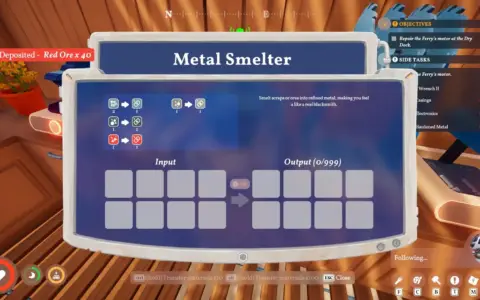
This mod boosts the speed of machine production, allowing you to process resources much more quickly.
Description
Faster Production improves overall efficiency in Outbound by increasing how quickly machines complete their production cycles. The speed multiplier can be adjusted through the configuration file, giving players full control over how fast their setup operates. By default, machines run at three times their normal speed, making it easier to handle large crafting demands and streamline resource generation.
Installation Instructions
-
Download the latest version of BepInEx, ensuring you select the Unity IL2CPP (x64) build for Windows from the official website
-
The IL2CPP version is required, as the Mono version is not compatible
-
Open Steam, right-click Outbound, choose Manage, then select Browse Local Files to access the installation directory
-
Extract the BepInEx files into this folder, making sure the “BepInEx” folder is placed alongside Outbound.exe
-
Launch the game once to complete the BepInEx installation process, note that the first launch may take longer than usual
-
Extract the mod archive into your Outbound directory and place the .dll file inside the BepInEx/plugins folder
-
Start the game again to enable the mod
Rate This Mod
—
0 ratings
★★★★★
Login to rate this mod.

GlitchMancer
Trusted Modder
48 mods · 1.1K total downloads
Related Mods
Outbound
 Outbound
 Outbound
 Outbound