 Outbound
Files
Main File - Version v1.0 Latest
Jul 2, 2026
20 KB
Changelog:
Initial release
Description
Mini Map
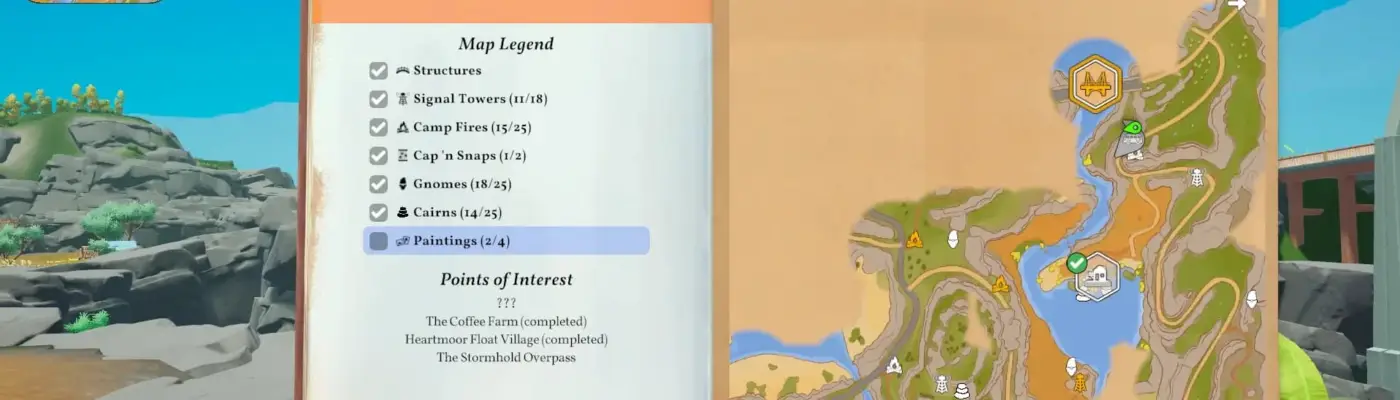
This mod introduces a customizable minimap to Outbound, featuring fog of war, smooth rounded edges, directional player tracking, map icons, save-based map support, and seamless HUD integration.
Description
Outbound Minimap adds a compact and adjustable minimap to your in-game interface, allowing you to navigate easily without constantly opening the full map.
The minimap automatically adapts to your current save or world, displays fog of war as you explore, includes discovered location icons, and features a rotating player indicator that reflects your movement direction.
Main Features
-
Adjustable minimap size and screen position
-
Zoom functionality using the minus and plus keys
-
Integrated fog of war system
-
Clean rounded borders with polished visual clipping
-
Directional player marker that rotates based on movement
-
Displays icons from the main map directly on the minimap
-
Detects map and fog data specific to each save file
-
Simple configuration file for easy customization and visual adjustments
Installation Instructions
-
Install BepInEx for Outbound from the provided link
-
Download the mod files
-
Move the file “OutboundMinimapMod.dll” into the folder: Outbound/BepInEx/plugins/
-
Start the game once to generate the configuration file
-
Optionally modify settings via “OutboundMiniMap.cfg” located in Outbound/BepInEx/config/
Planned Features
-
Optional navigation and route guidance system
-
Future compatibility with OutboundModLib
Known Notes
The minimap pulls data from the game’s active map and fog systems whenever possible. If any inconsistencies appear after changing save files, restarting the game should resolve and refresh the map data.
Rate This Mod
—
0 ratings
★★★★★
Login to rate this mod.

GlitchMancer
Trusted Modder
48 mods · 1.1K total downloads
Related Mods
Outbound
 Outbound
 Outbound
 Outbound