 Outbound
Files
Main File - Version v1.0 Latest
Jul 2, 2026
3 KB
Changelog:
Initial release
Description
Production To Storage
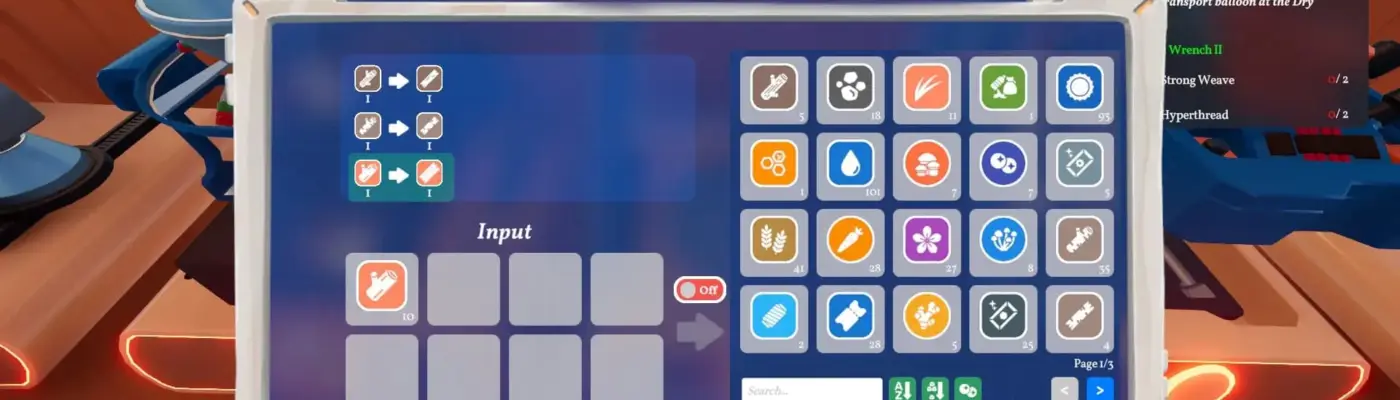
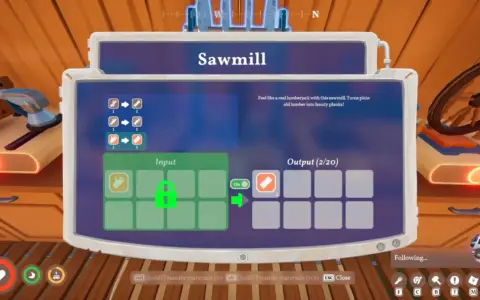
This mod automatically transfers crafted or processed items directly into your vehicle’s storage system instead of leaving them in the machine’s output slot.
Description
Production To Storage streamlines your workflow in Outbound by ensuring that all produced resources are instantly moved into your vehicle inventory. This eliminates the need for manual collection from machines, helping you maintain a cleaner and more efficient setup while focusing on exploration and building.
Installation Instructions
-
Download the latest version of BepInEx, specifically the Unity IL2CPP (x64) build for Windows, from the official BepInEx website
-
Make sure to select the IL2CPP version, as the Mono version will not work
-
Locate your Outbound installation folder by opening Steam, right-clicking the game, selecting Manage, then Browse Local Files
-
Extract the BepInEx files into the game directory so that the “BepInEx” folder sits alongside Outbound.exe
-
Launch the game once to complete the BepInEx setup process, note that this first launch may take longer than usual
-
Extract the mod files into your Outbound directory, ensuring the .dll file is placed inside the BepInEx/plugins folder
-
Start the game again to enable the mod
Rate This Mod
—
0 ratings
★★★★★
Login to rate this mod.

GlitchMancer
Trusted Modder
48 mods · 1.1K total downloads
Related Mods
Outbound
 Outbound
 Outbound
 Outbound